

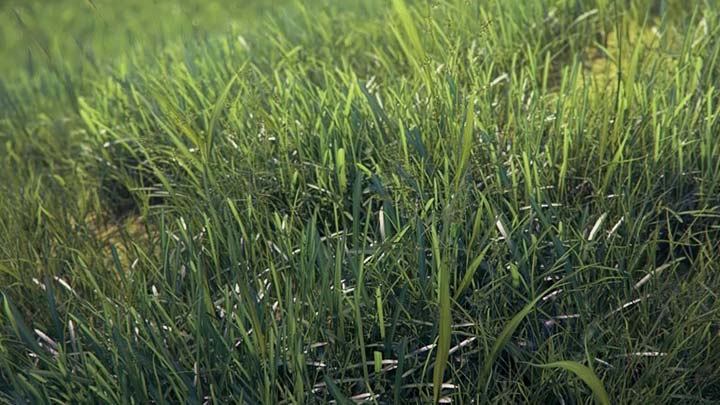
In Viz-People`s webpage was posted new video tutorial presenting in details how to create photorealistic grass in 3ds Max.
The process begins from modeling the individual blades, grouping and transforming them into vray proxy objects, continues with scattering the grass on terrain and ends with the post production. Creation of materials for grass and soil is not omitted too.
As you can see from the video itself and the picture above, this method is good for renders, where grass and vegetation are in the foreground. The good thing is that you have to model the grass groups just once, and then you can use them repeatedly in your scenes.
To complete everything from this video tutorial, you’ll need an additional script for scattering the grass. For this purpose you can use Advanced Painter or Ultimate Painter.
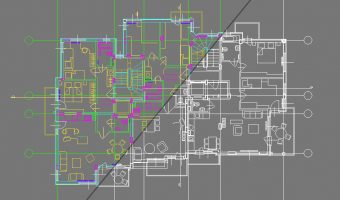 Preserve the colors of objects when inserting dwg file into 3ds Max and moving them to new layer
  Embedding AutoCAD drawing in your website with ShareCAD
 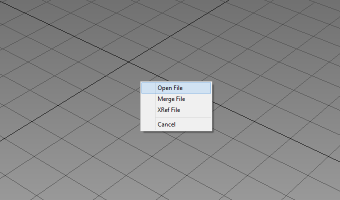 How to bring back Drag and Drop in Windows 8
  Infographic: Photoshop CS6 Shortcut Keys
  How to model a pillow in Marvelous Designer
  Basics of making selections and using masks in Photoshop
beautiful work and I like this scripts it’s amazing and easiest the work…